You haven't signed in yet, you can have a better experience after signing in
*Please complete the payment within {{receiveCouponInfo.expire_at}}Previous use*
You haven't signed in yet, you can have a better experience after signing in



Activity Rules
1、Activity time:{{ info.groupon.start_at }} ~ {{ info.groupon.end_at }}。
1、Activity time:cease when sold out。
2、Validity period of the Group Buying:{{ info.groupon.expire_days * 24 }} hours。
3、Number of Group Buying:{{ info.groupon.need_count }}x。
Please Pay Attention
1、Teamwork process: Join/initiate a Group Buying and make a successful payment - Within the validity period, the number of team members meets the activity requirements - Group Buying succeeded!
2、If the number of participants cannot be met within the valid period, the group will fail, and the paid amount will be refunded in the original way.
3、The number of people required and the time of the event may vary among different products. Please pay attention to the rules of the event.
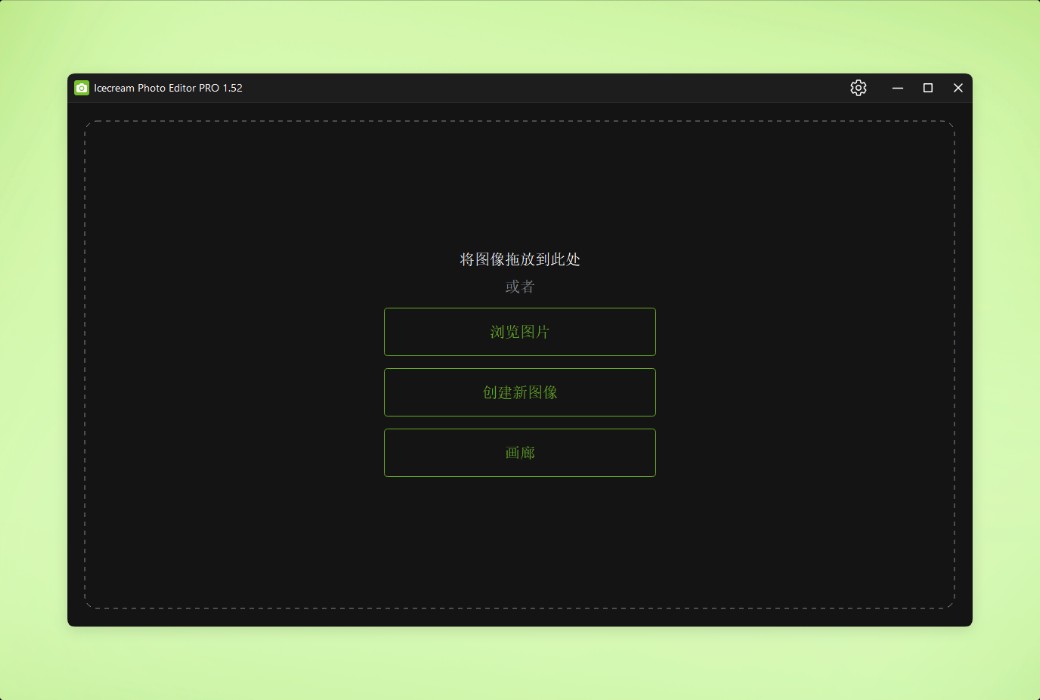
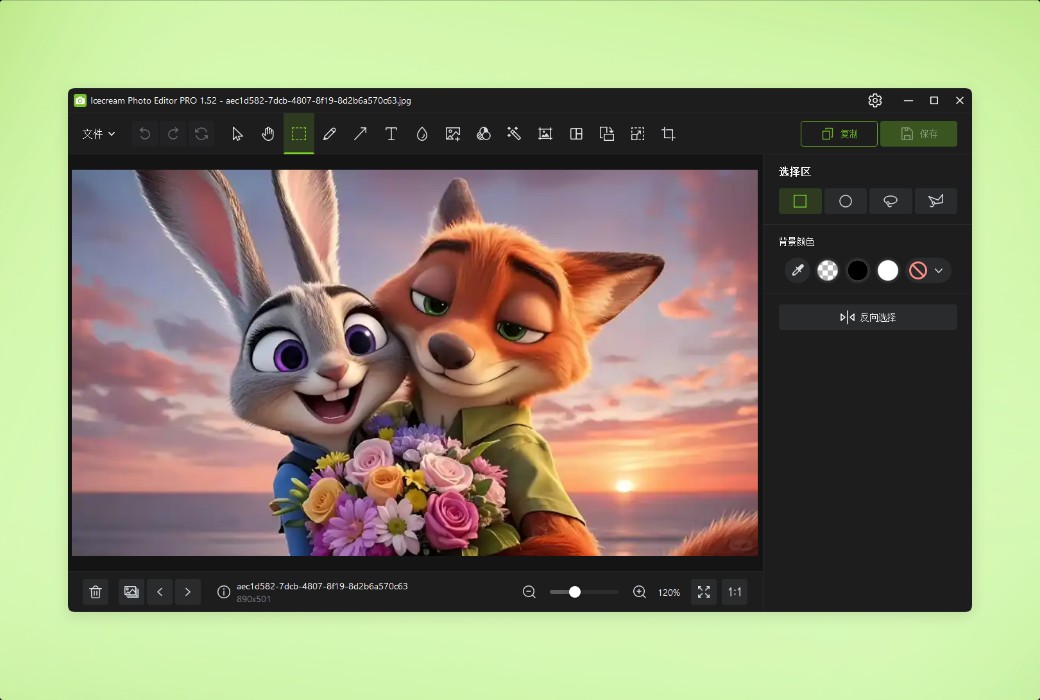
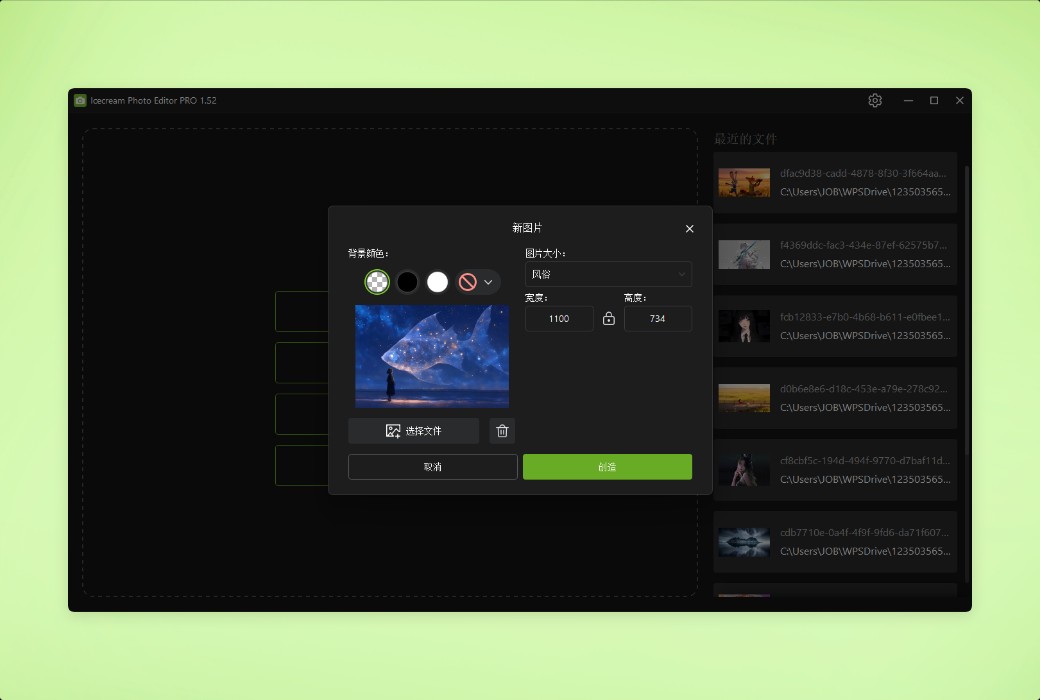
Icecream Photo Editor - the best photo editor and photo manager for Windows systems. Edit your photos like a professional: easily add text and images, crop and resize, add filters, create collages, and more.
Main functions
Easily organize photos and quickly edit them to meet your needs.
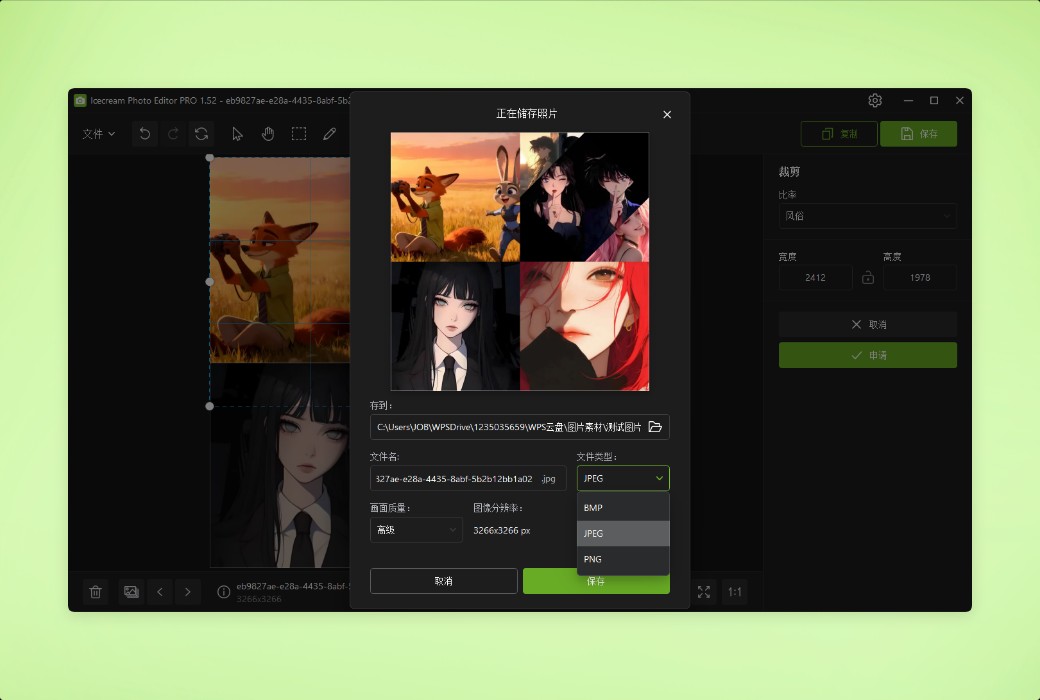
With Icecream Photo Editor, you can edit photos and images in the most common image formats: JPG, JPEG, PNG, GIF, TIFF, and BMP.
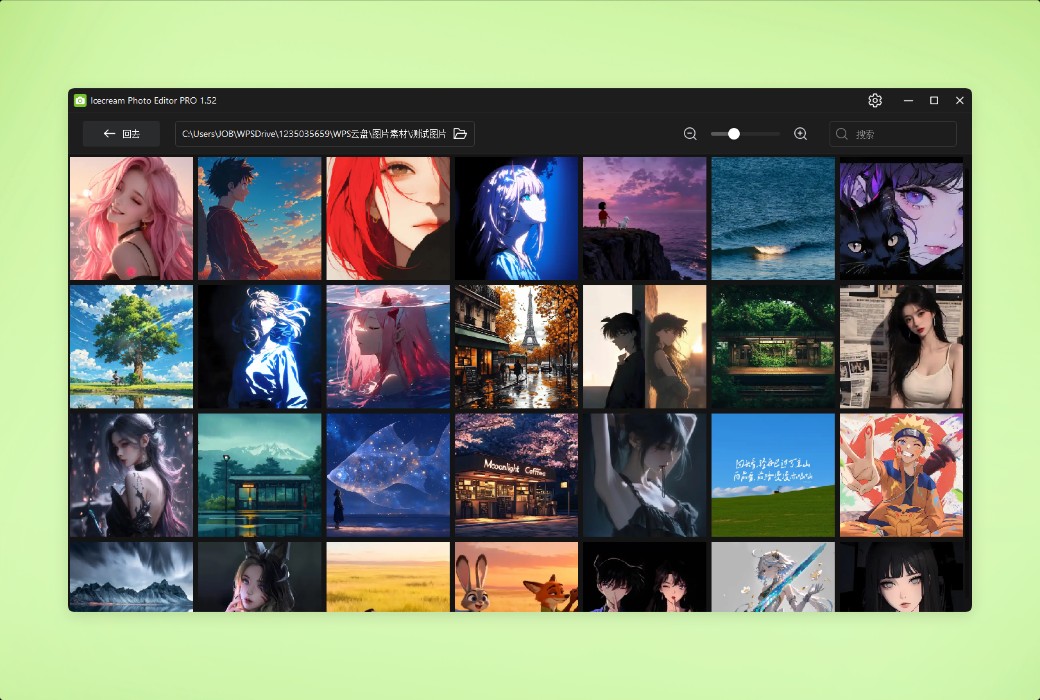
With Icecream Photo Editor, you can easily manage photos on your computer. Quickly browse the images in the folder, and if necessary, rotate the images or delete unnecessary photos.
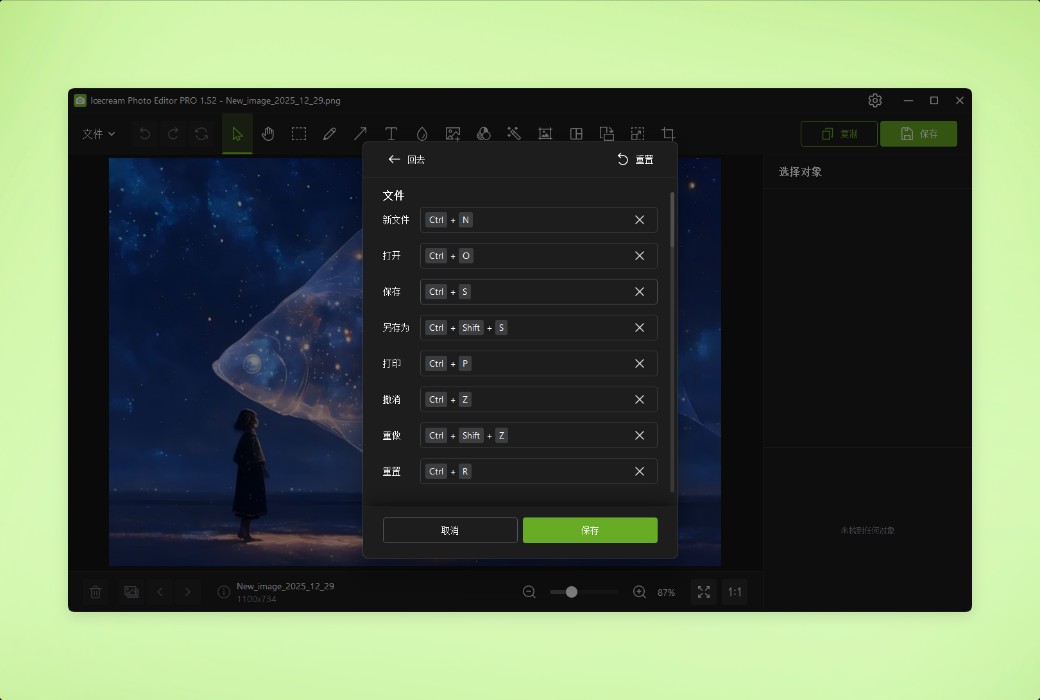
One of the major advantages of our image editor is its extremely high usability. All the functions you need are within reach, with no extra options. Easy to get started without reading any manual.
This program can run on all mainstream Windows systems, including Windows 11 and Windows 10. With its rich features and simple and easy-to-use characteristics, it can be regarded as the best photo editor on the Windows platform.
Features
Using the Icecream photo editor makes it easy to add text. You can control all basic parameters, such as font, size, thickness, color, transparency, and so on.
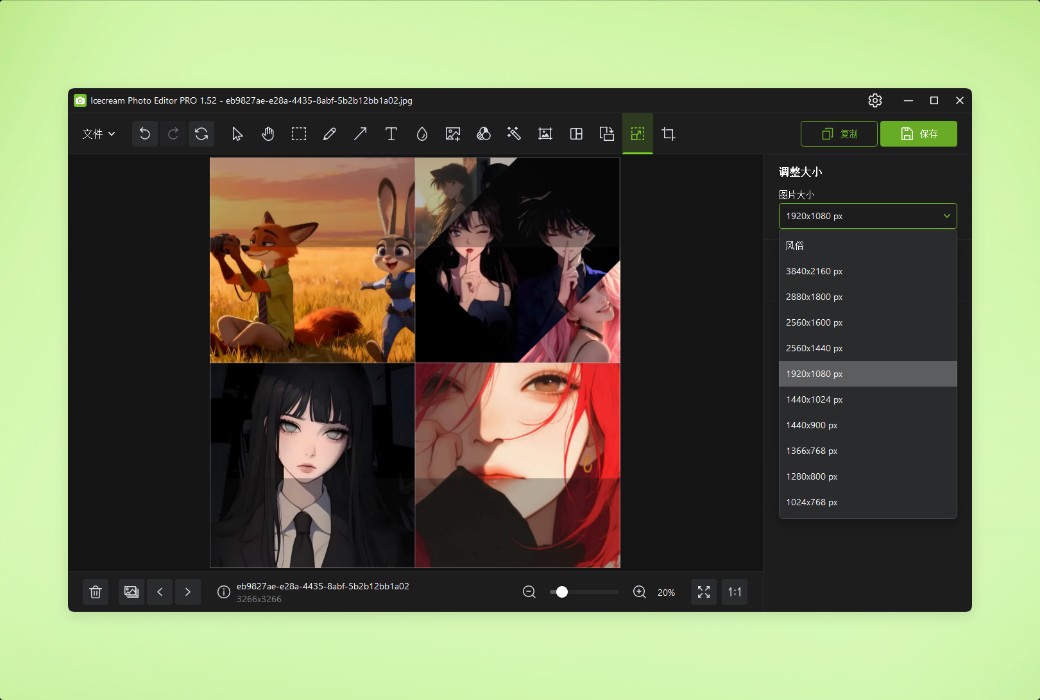
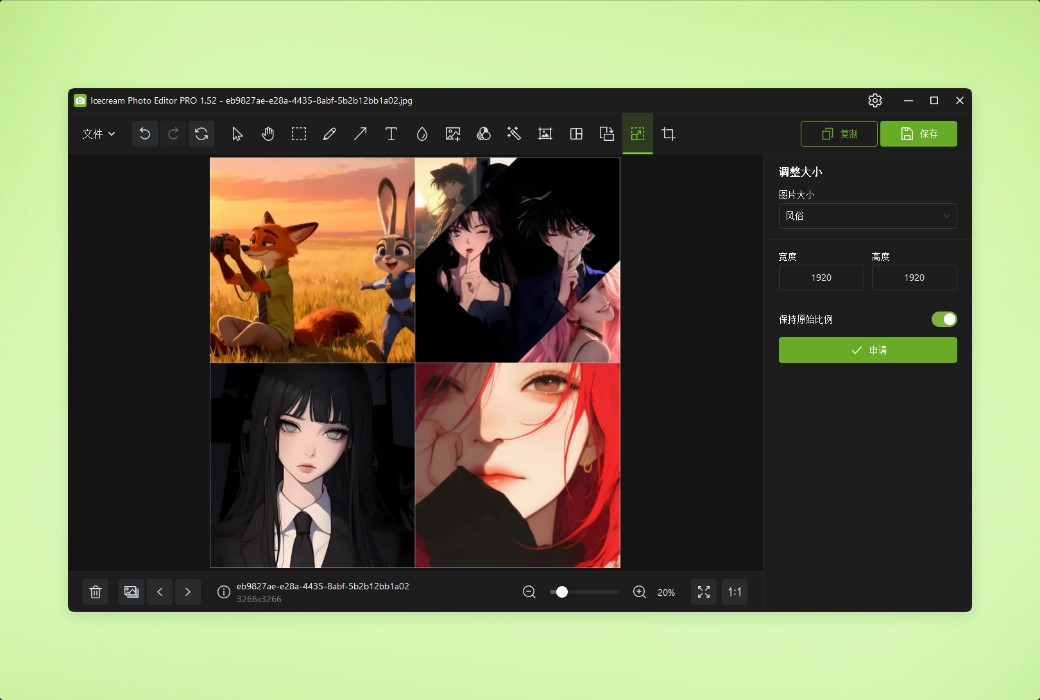
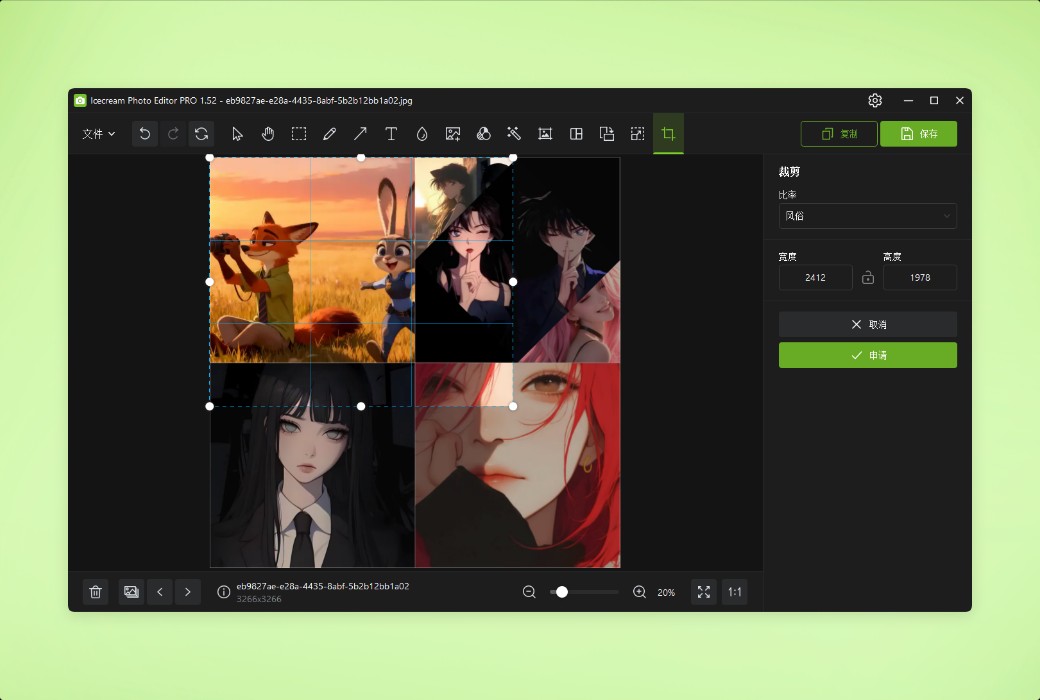
The most commonly used functions when editing photos are "resizing the image" and "cropping the image". Therefore, we strive to make these features as intuitive and user-friendly as possible.
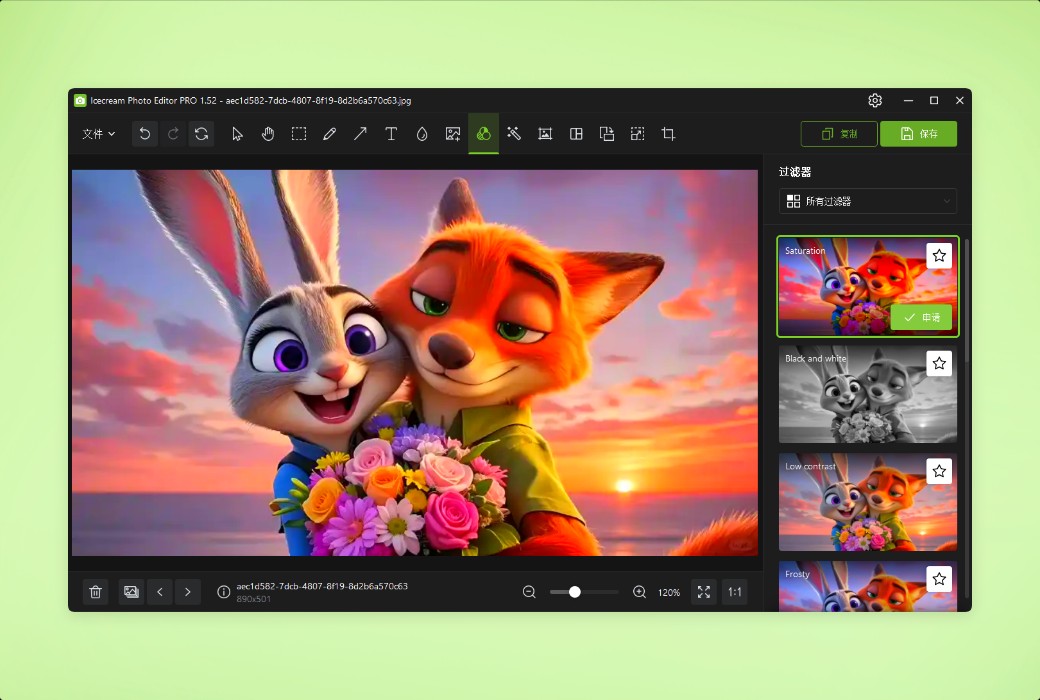
Choose a cool filter to beautify your photos: black and white, vintage movies, fisheye, watercolor, and more. You can also add stickers from our material library to make the photos more exciting.
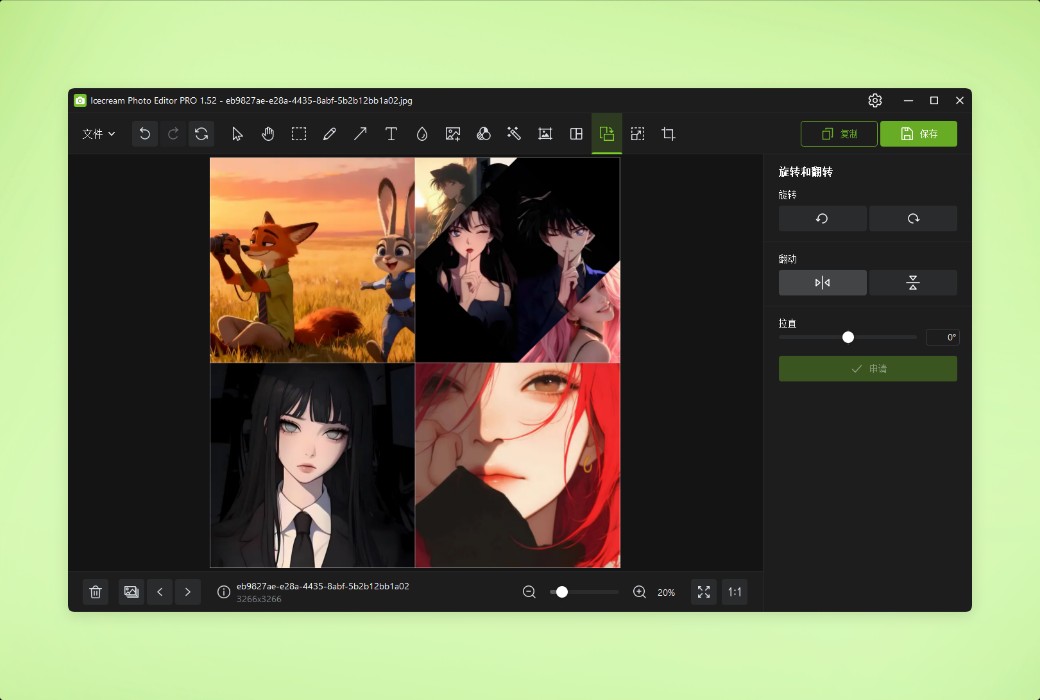
With our image editor, you can rotate and/or flip your photos with just a few clicks.
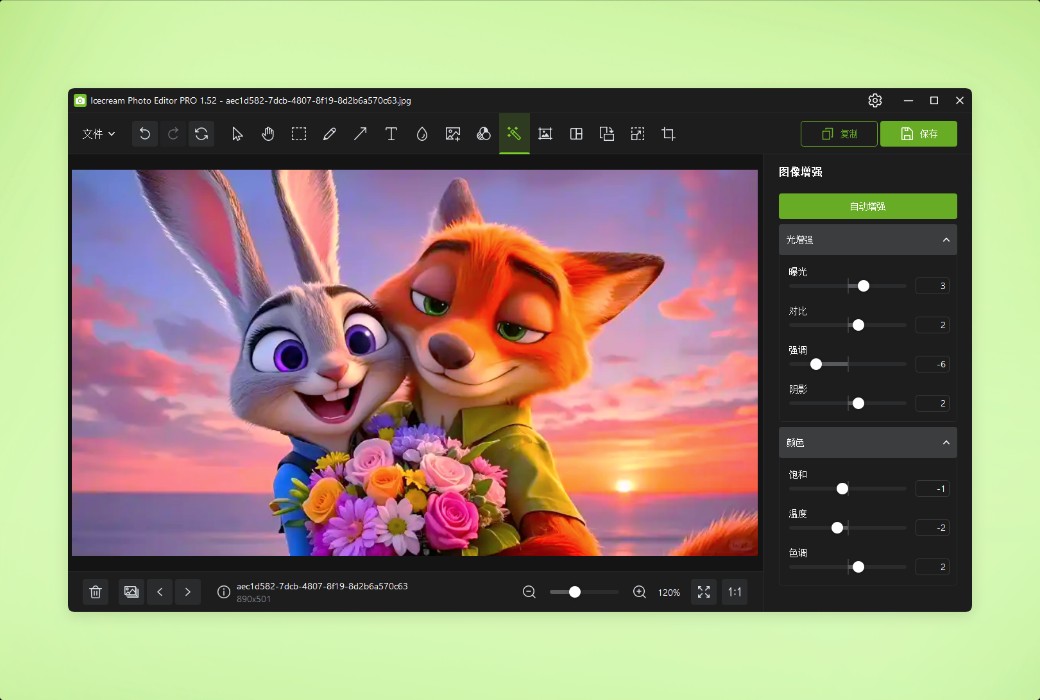
The use of automatic image enhancement function can immediately improve the photo effect. Or use the various functions in the image settings to adjust the image in the way you want.
Easily blur the parts of a photo that need to be blurred to add artistic flair or hide sensitive information.
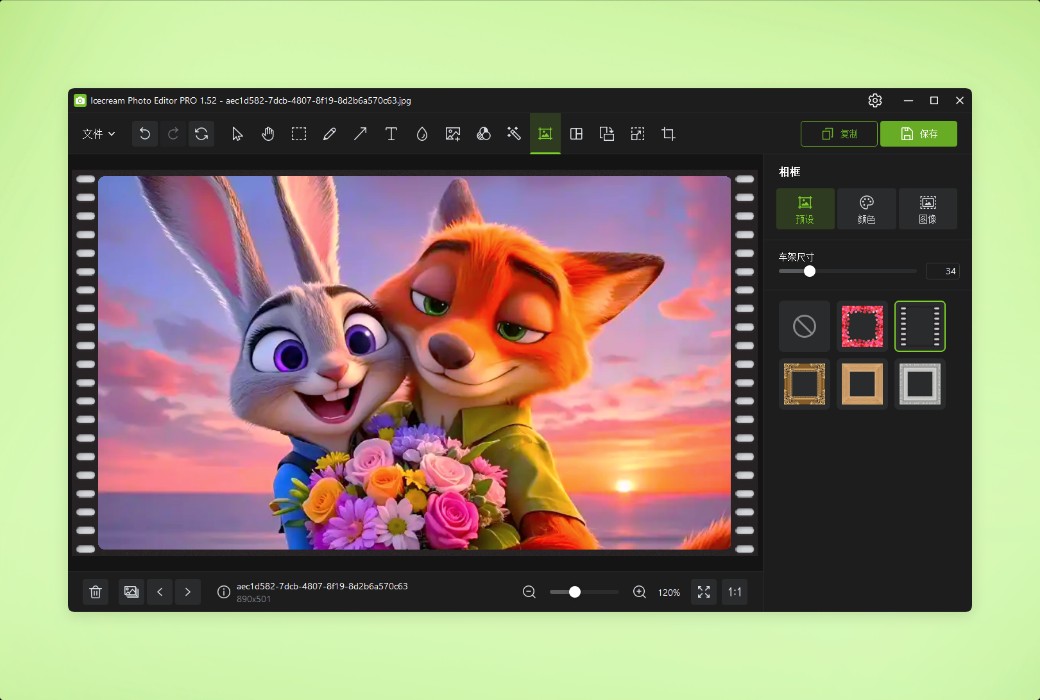
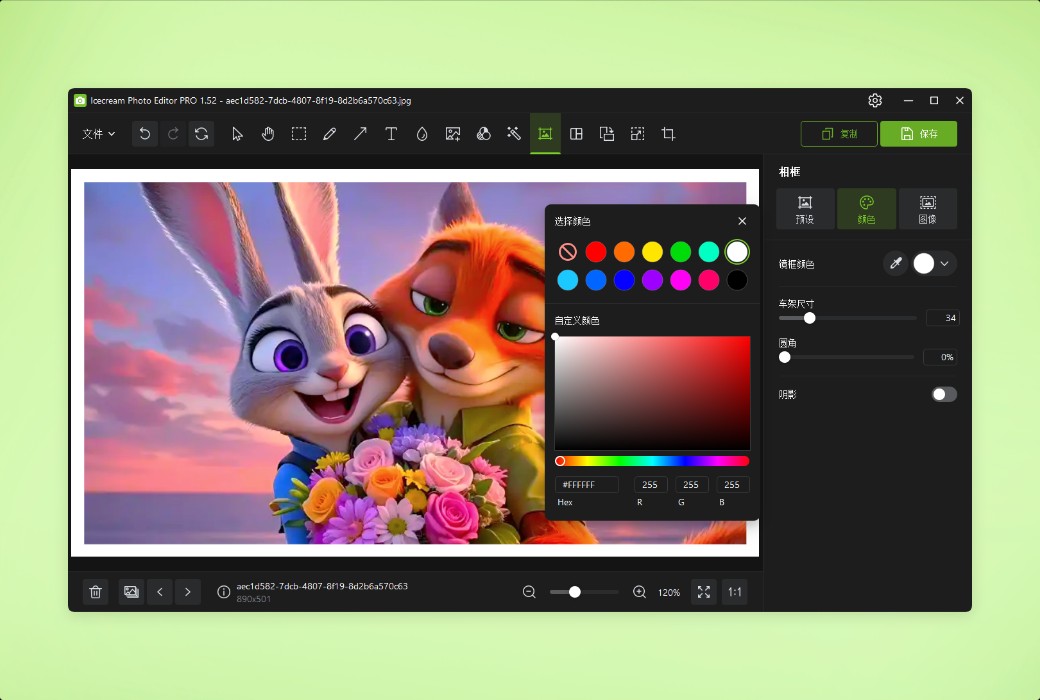
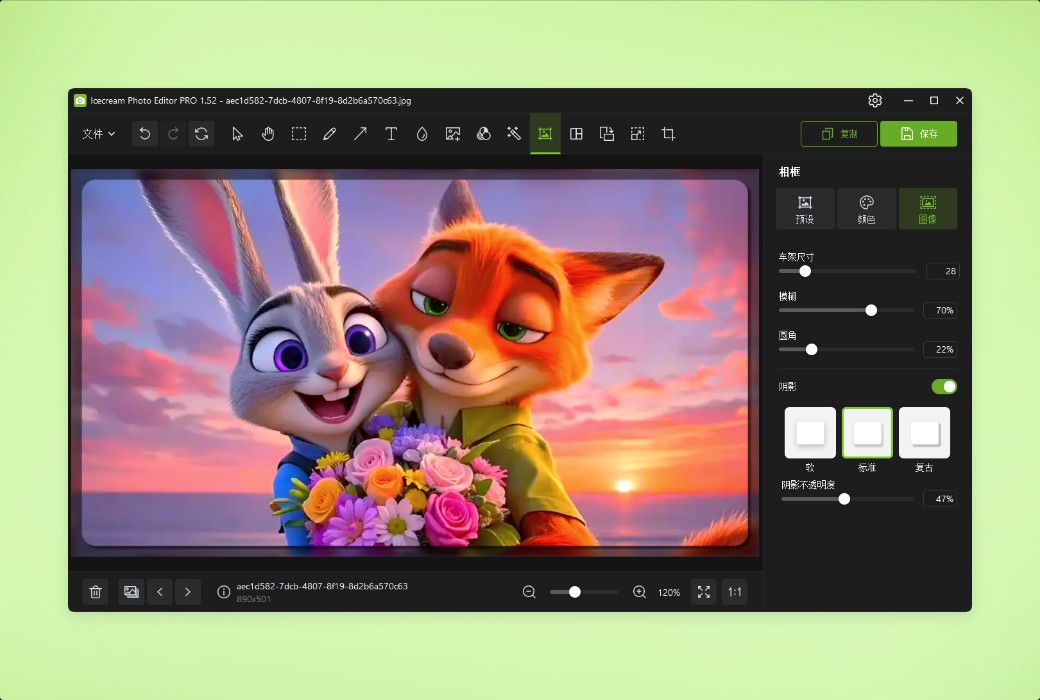
This photo editor offers multiple photo frames that you can easily add to your photos with just a few clicks.
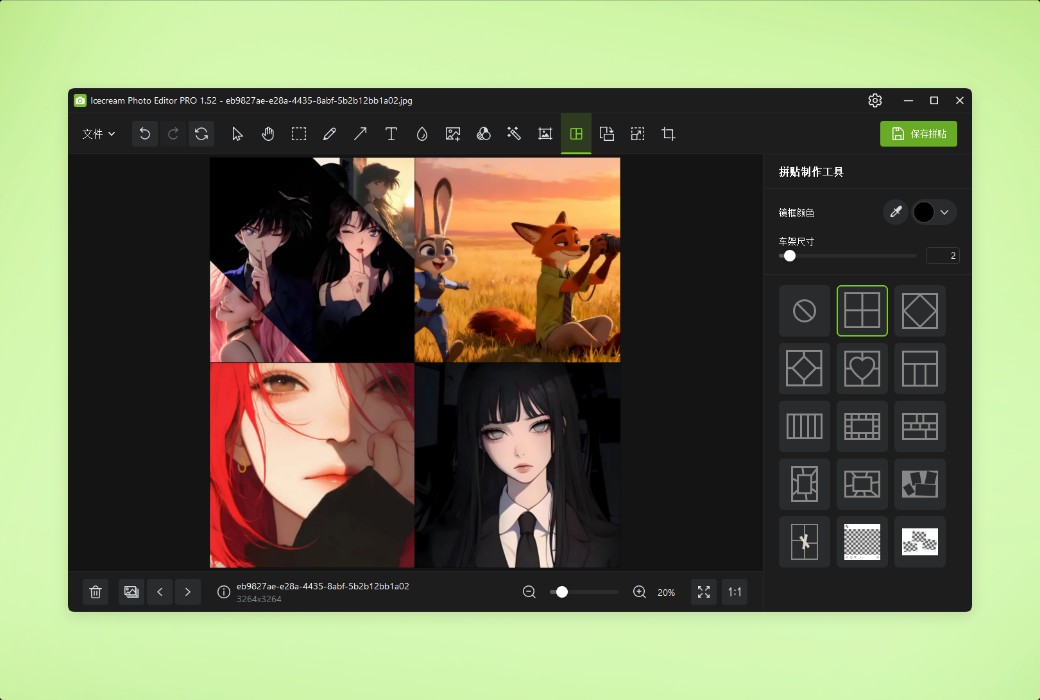
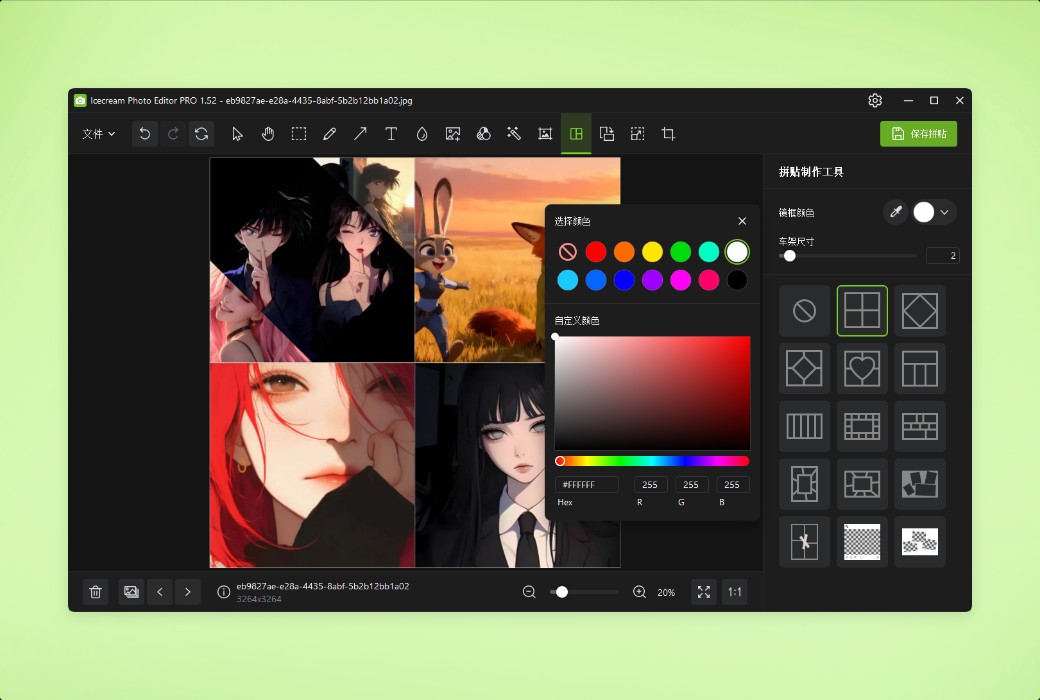
Create exquisite photo content in just one minute using one of the many collage templates.
Official website:https://icecreamapps.com/Photo-Editor/
Download Center:https://icecream-photo-editor.apsgo.cn
Delivery time:Manually process shipments online
Operating Platform:Windows
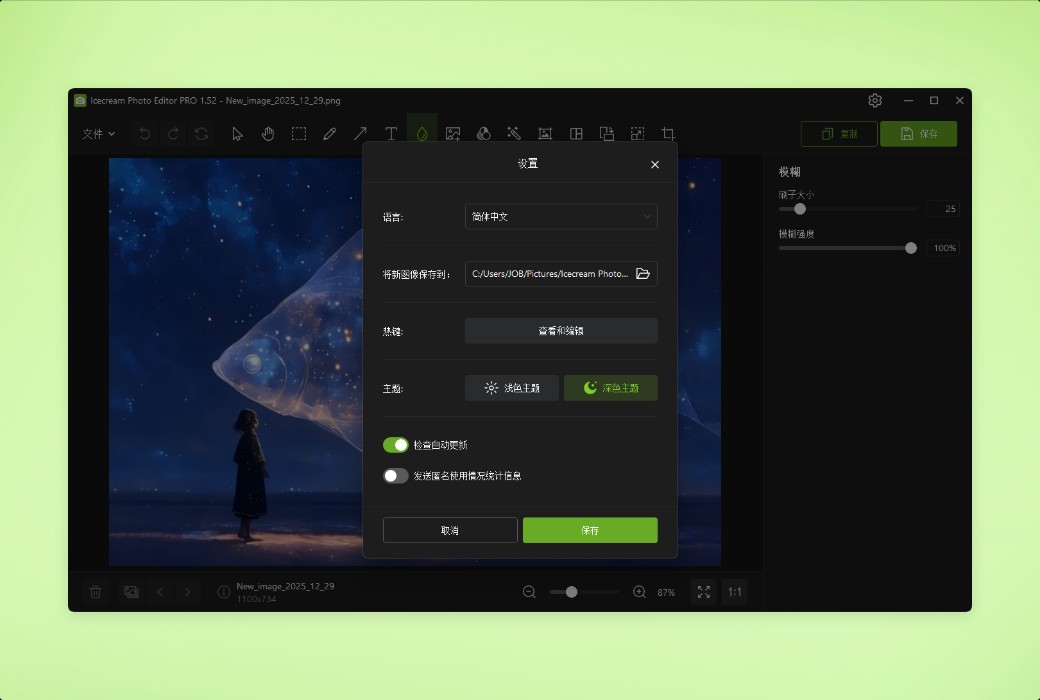
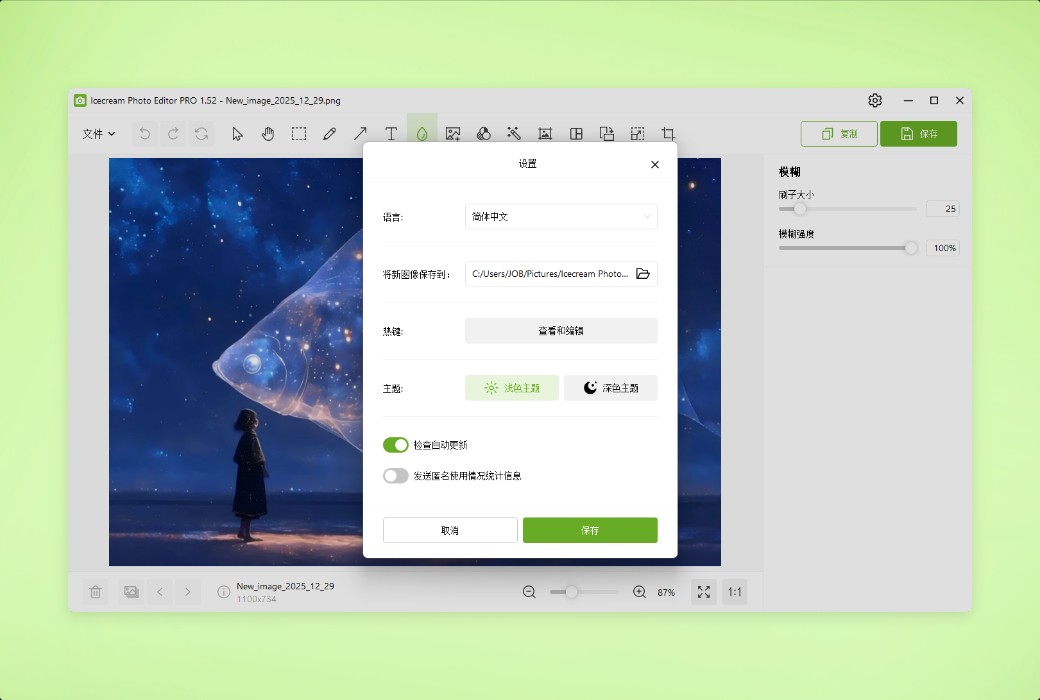
Interface language:Supports Chinese interface display and multiple language options.
Update Description:Use and update during the subscription period.
Trial before purchase:Free trial is available before purchase.
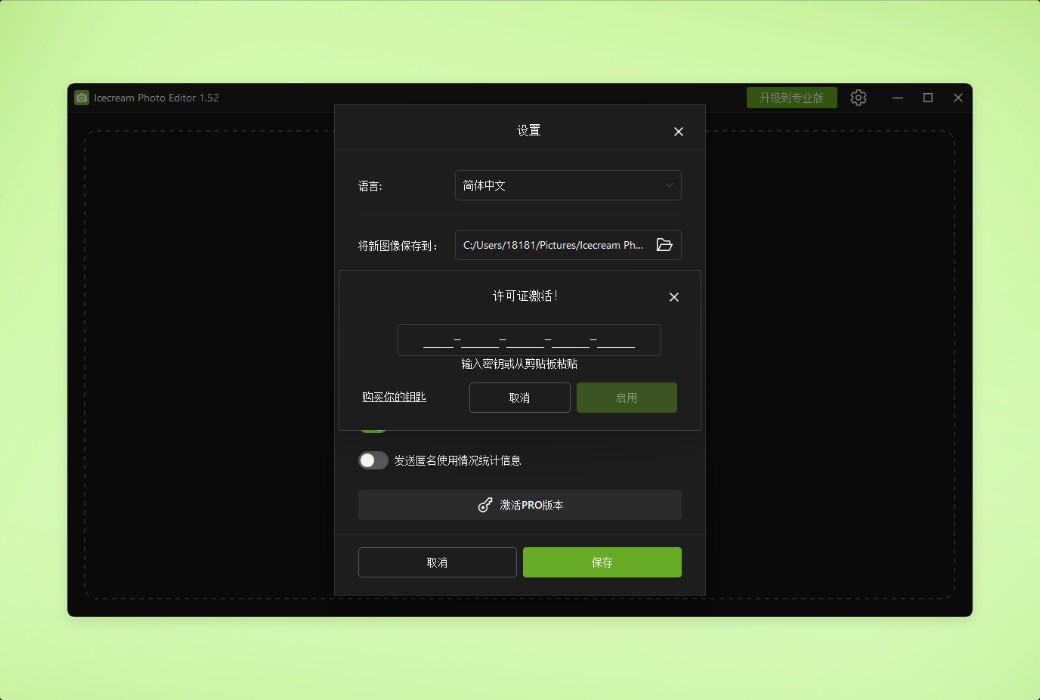
How to receive goods:After purchase, the activation information will be sent to the email address at the time of placing the order, and the corresponding product activation code can be viewed in the personal center, My Orders.
Number of devices:Can install one computer.
Replace computer:Need to contact the official for manual transfer.
Activation guidance:To be added.
Special note:To be added.
reference material:https://icecreamapps.com/Photo-Editor/

Any question